

Built for howyouget paid.
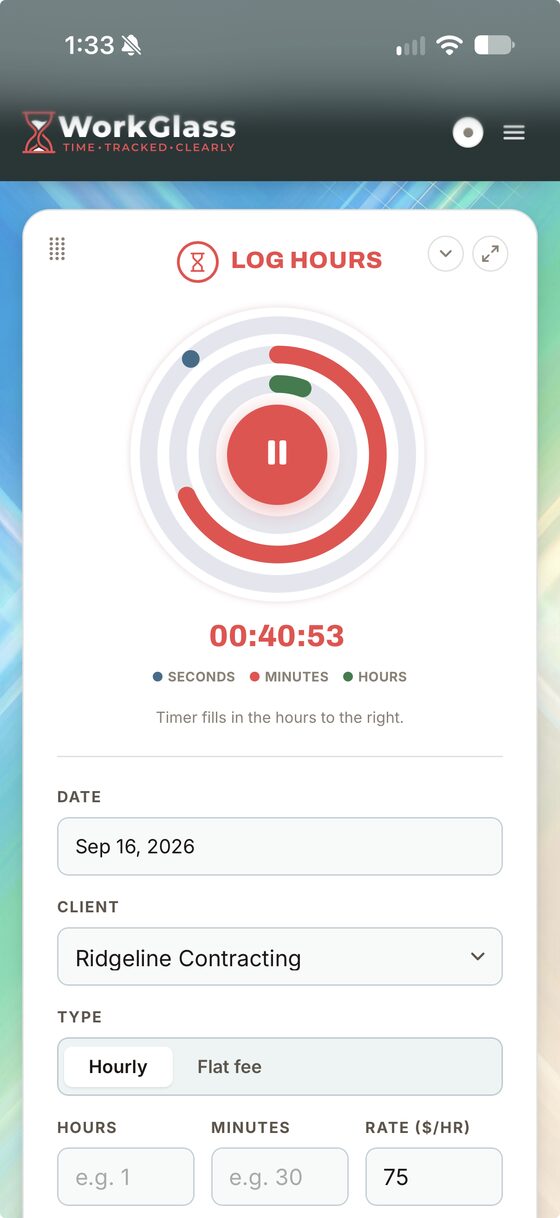
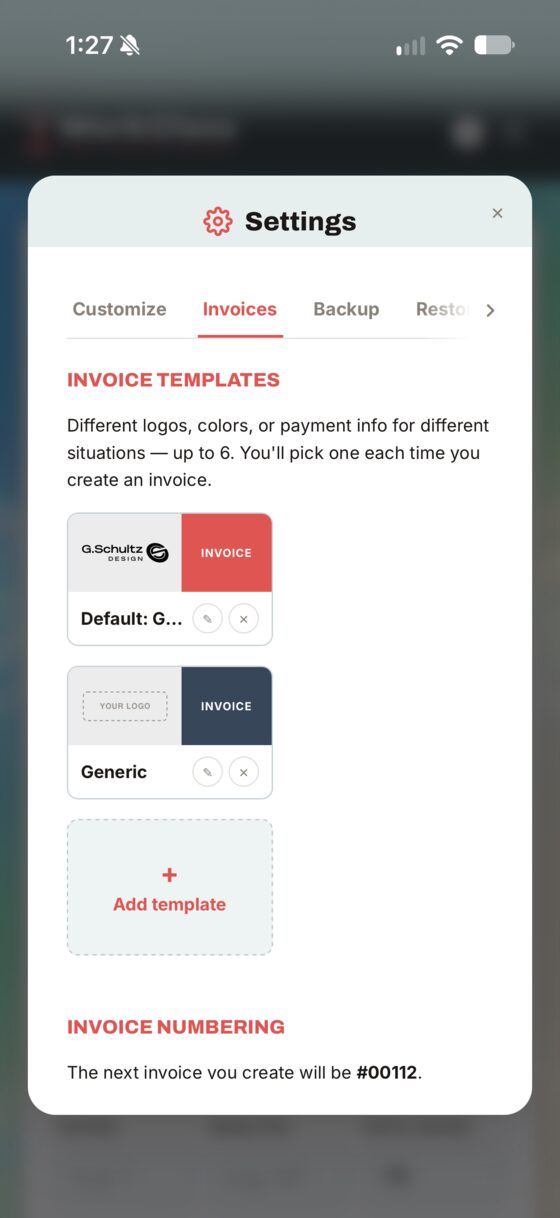
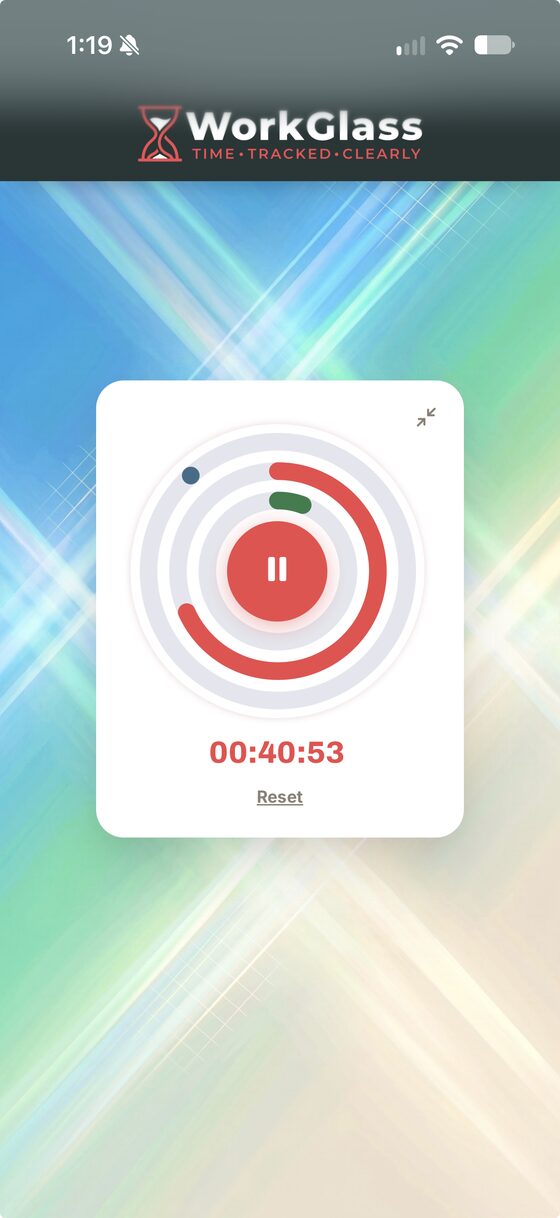
Start a timer or just type the hours.
Invoice from the same screen.
And make it look like your business.
30 days free. Then $20, once, if you keep it.
No card to start.
$20, once. Why? Because I hate subscriptions.
The hour you forget to bill
costs more than WorkGlass.
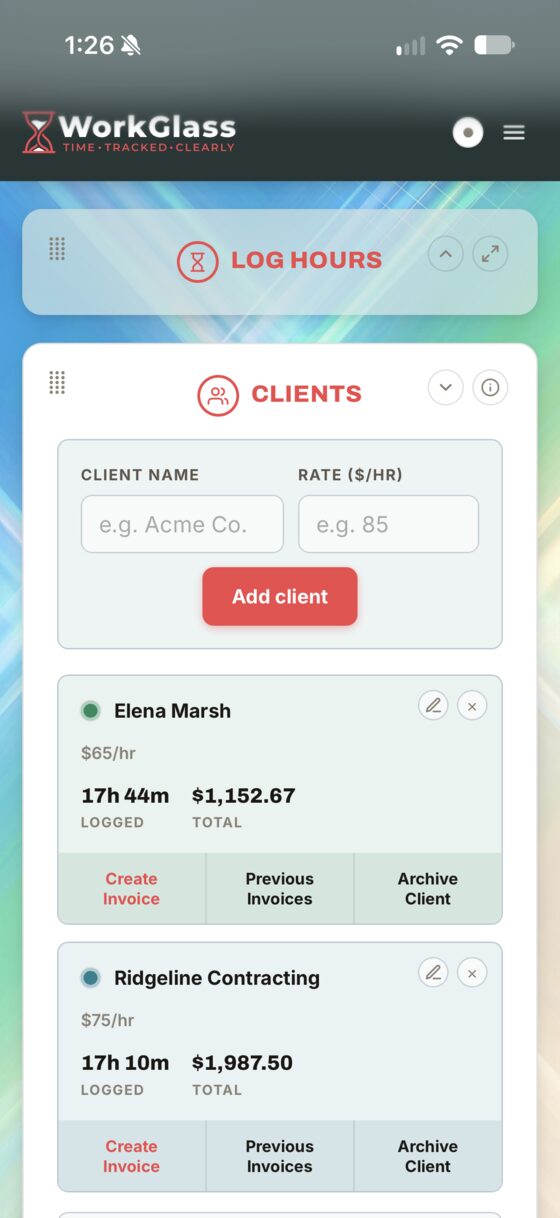
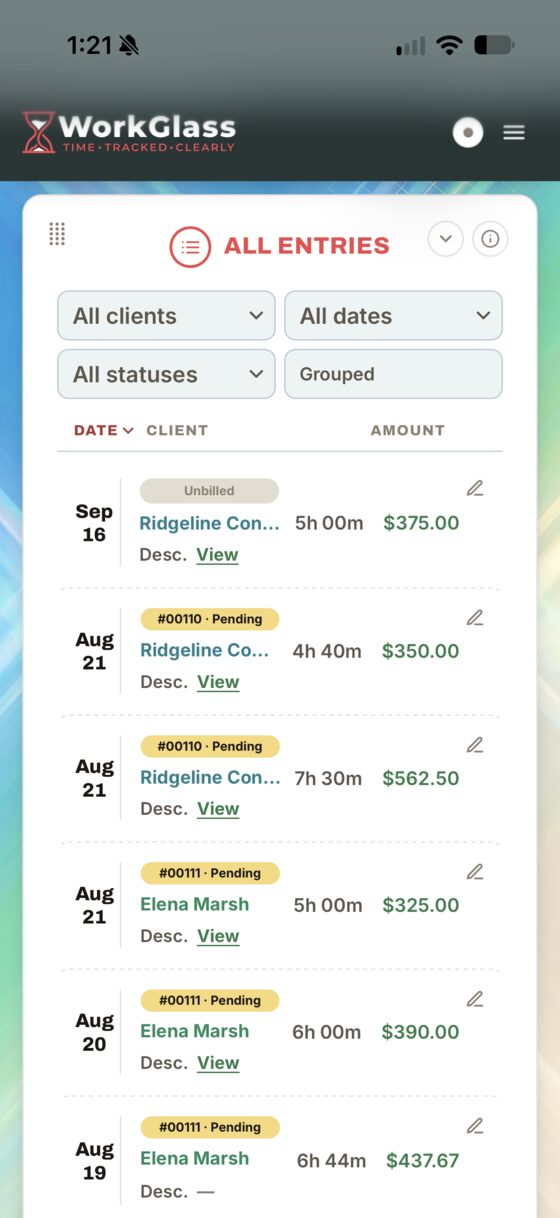
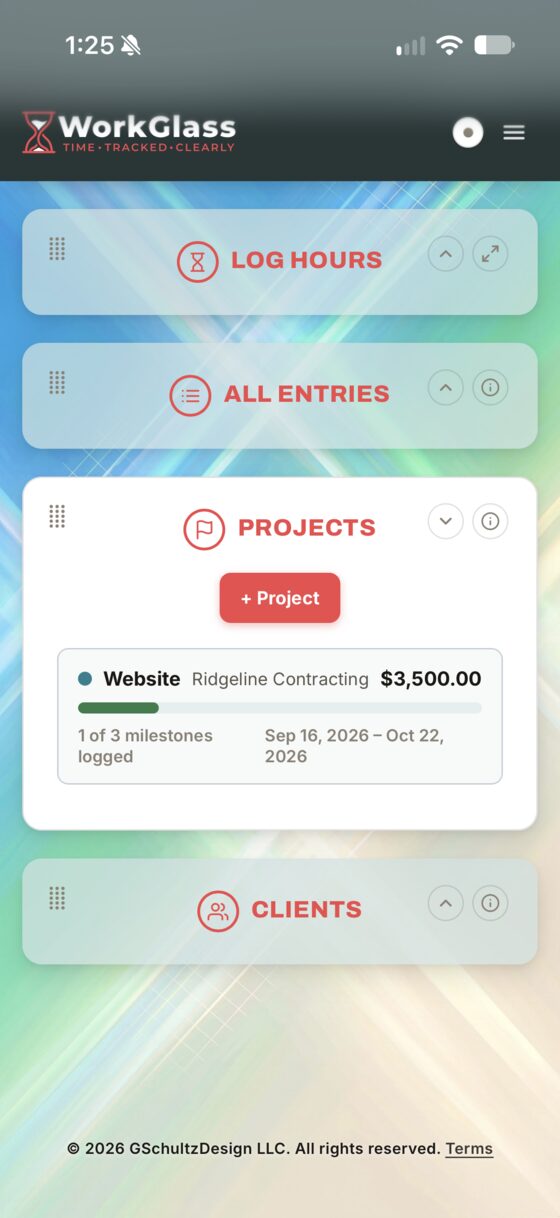
Your clients, their rates, your hours and your invoices all live in one place. So the hard part of your day is the work, not the pile waiting for you after it.
Log it before you forget
Start the timer or just type the hours. Pick the client and their rate comes with them, so there's no arithmetic in your head at the end of a long day.
Yeah, $20. All of it, not a starter version.
Make it look like your business, not like software.
You'll open this every working day for years. So the background and the accent color are yours, not a theme somebody else picked.
Light Wood
Pick one of 50 backgrounds, upload your own photo, or drop in a hex code and keep it plain. Then choose the accent color that runs through every screen and button. Two clicks, no design skills.
Still $20. Every one of the fifty. I'm not charging you extra for wallpaper.
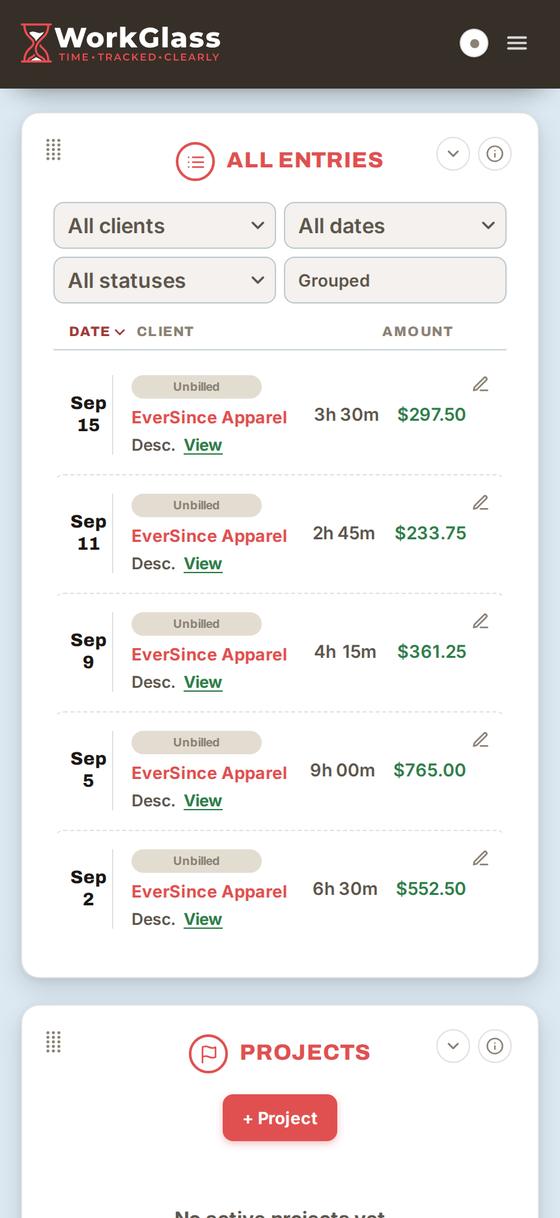
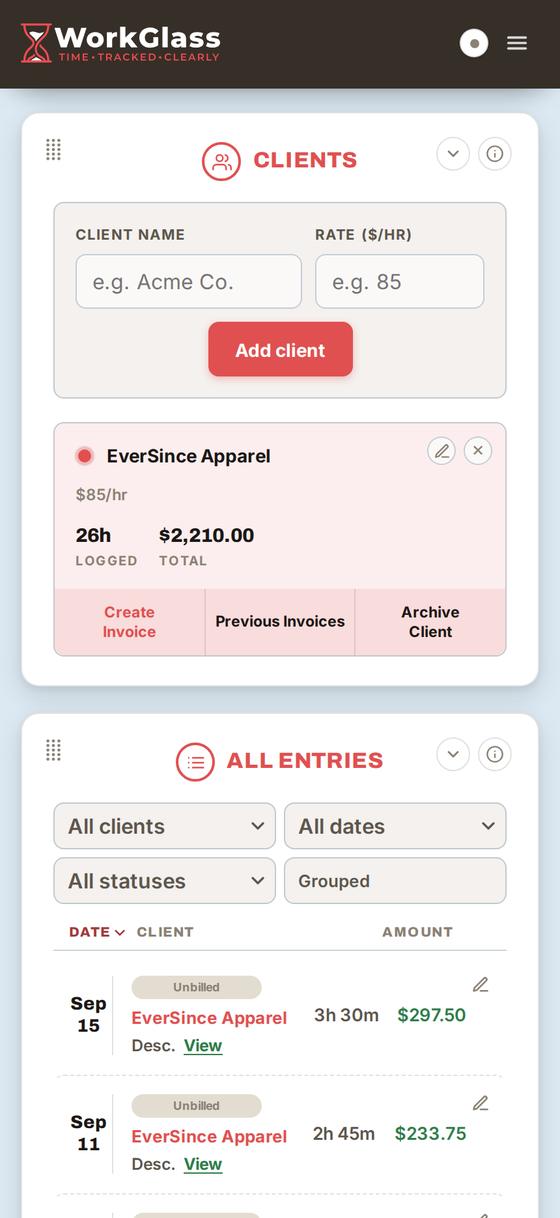
From logged hours to a PDF ready to send.
Start to finish, from your phone.
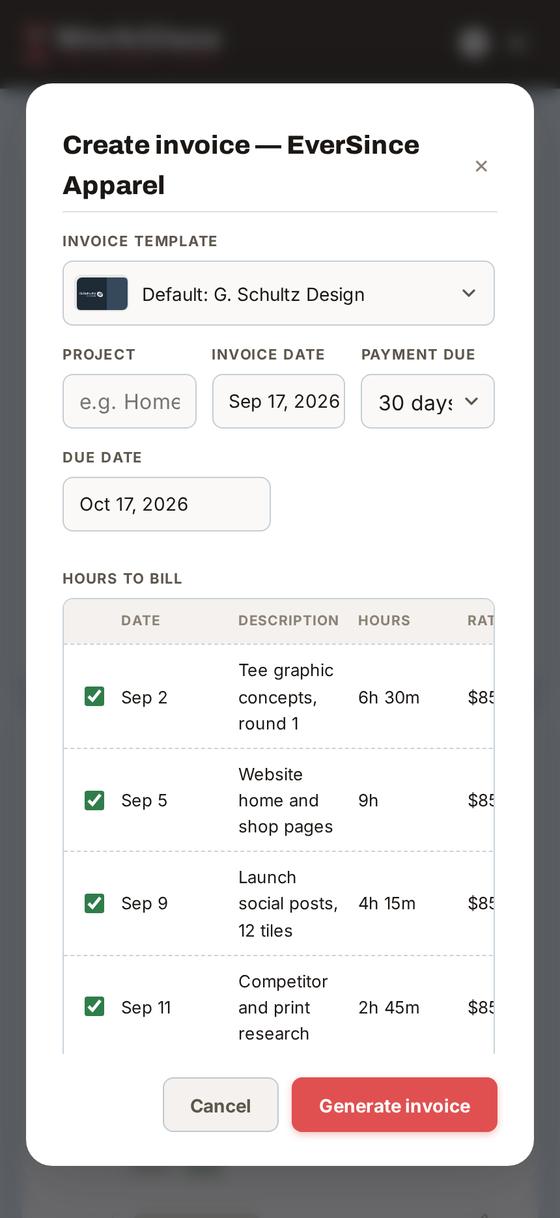
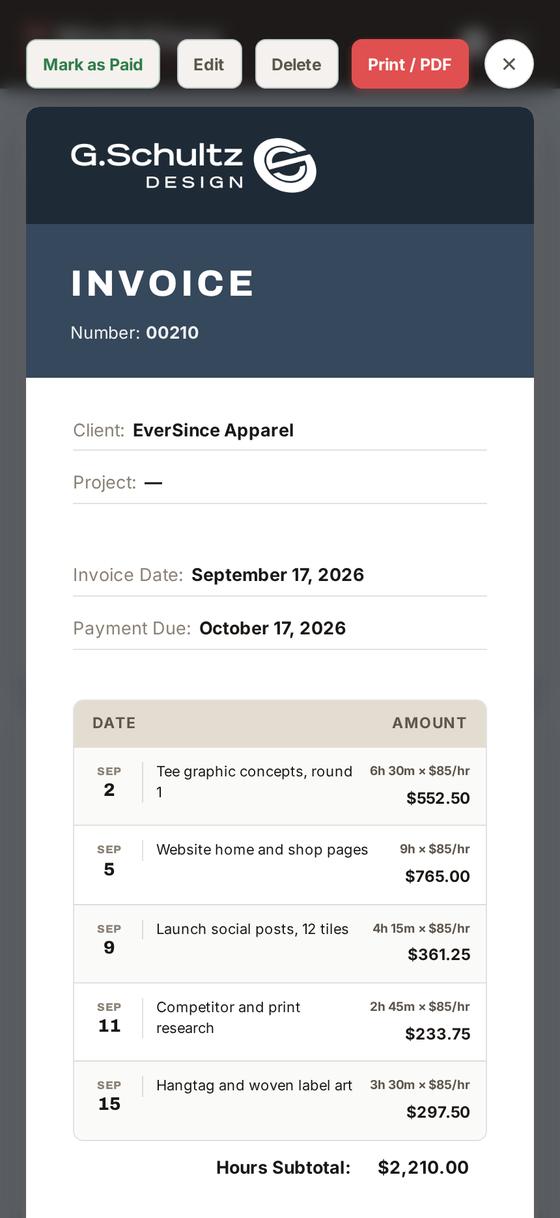
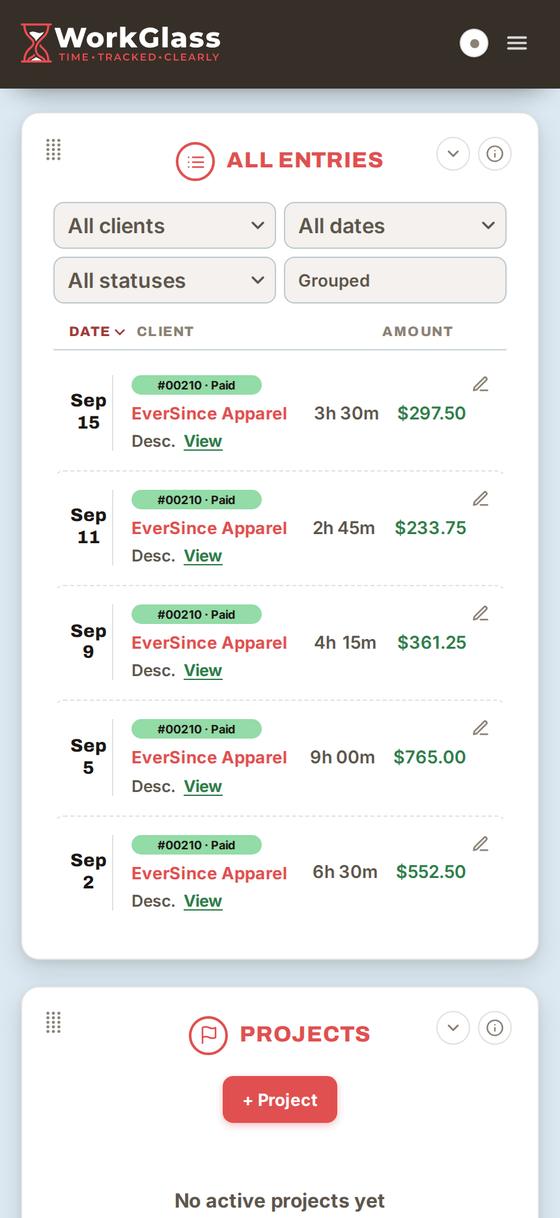
Start to finish, from your phone.
Yep, still $20. Invoices too. There's no Pro plan hiding behind a button.
Built to hold your hours, your clients and your invoices.
No wall of graphs. No screen that looks like a spreadsheet. No calendar, because you already have one you like. Log the hour, keep the client, send the invoice. That's the whole job. It shouldn't take an afternoon to learn, or $12 a month to keep.
This is for you if
- You want to start a timer in a couple of taps and get back to the work.
- You bill a handful of clients and want invoices that look like you sent them.
- You would rather learn the whole app this afternoon than next quarter.
- You want your time, your client info, and your billing in one place. Nothing more.
This is not for you if
- You need forecasting, utilization reports and a dashboard full of charts.
- You are staffing a team, running payroll, or buying a dozen seats.
- You want the scheduling calendar and the CRM in the same window.
Then this isn't your tool, and that's fine. Harvest, Toggl Track and Bonsai are good at exactly that, and they will take your money monthly.
Thirty days free before you pay. Thirty more to change your mind after.
One price. One time.
Buy it once. Keep it forever.
- Unlimited clients, entries and invoices
- Hourly and flat-fee billing
- All 50 backgrounds and accent colors
- Cloud backup and sync across your devices
- Every future update
30 days free, no card needed. Change your mind within 30 days of buying? Refunded.
If I were you, I'd have questions too.
It does sound a little too good to be true. So here is the unglamorous version, with nothing left out.
Twenty dollars. Once. What's the catch?
There isn't one. WorkGlass is built and run by one person, not a company that needs your card on file to hit a number. You pay $20, your account is unlocked for good, and you use it for as long as you want. Every future update is included.
Can I try it before I hand over the twenty?
You get 30 days, free, with everything turned on, and no card to start. Start your trial, add a client, log some hours, send yourself an invoice. If it isn't for you, walk away and you are out nothing.
Where does my data live?
On your device. WorkGlass is local-first, so it works with no connection and nothing leaves your machine unless you turn on Backup. You can download the whole thing as a JSON file any time you like. If you ever walk away, you leave with all of it.
Does it work on my phone?
Any modern browser: Mac, Windows, iPad, phone. Add it to your home screen and it behaves like an app, timer and all. No app store, no update nags.
Am I the right kind of person for this?
If you bill a handful of clients by the hour or by the project, yes. If you are staffing a team or running payroll, no, and that is on purpose. Past that, the trial answers it better than I can: 30 days, no card.
What happens if I don't like it?
If it happens during the trial, you found out for free, which is the whole reason the trial is that long. If you had already bought it, email me within 30 days of the purchase and I refund it. No reason needed, no forms.
What if you lose interest and walk away?
The fair question to ask anything built by one person. If WorkGlass is ever shut down you get 90 days' notice and a free copy that runs on your own computer: no account, no license check, nothing of mine in the way. That isn't a gesture, it is how the app already works. It runs in your browser and your data sits on your machine, so the copy is the same software minus the parts that need me. It is written into the Terms so it isn't just something I said once on a web page.
Are you going to start charging monthly later?
No. That is the one promise this whole page is built on. If a subscription ever shows up, the license you bought still works, exactly as it does today.